Palette Neat
Palette Neat is the SiMa.ai software development toolkit for building AI applications on Modalix. It includes the development environment, runtime library, model tooling, and DevKit validation workflow. Together, these components support the full development path: prepare a model, build an application, and validate the result on Modalix hardware.
Use this overview to understand the main parts of Palette Neat and choose the right setup, model preparation, or application development path.
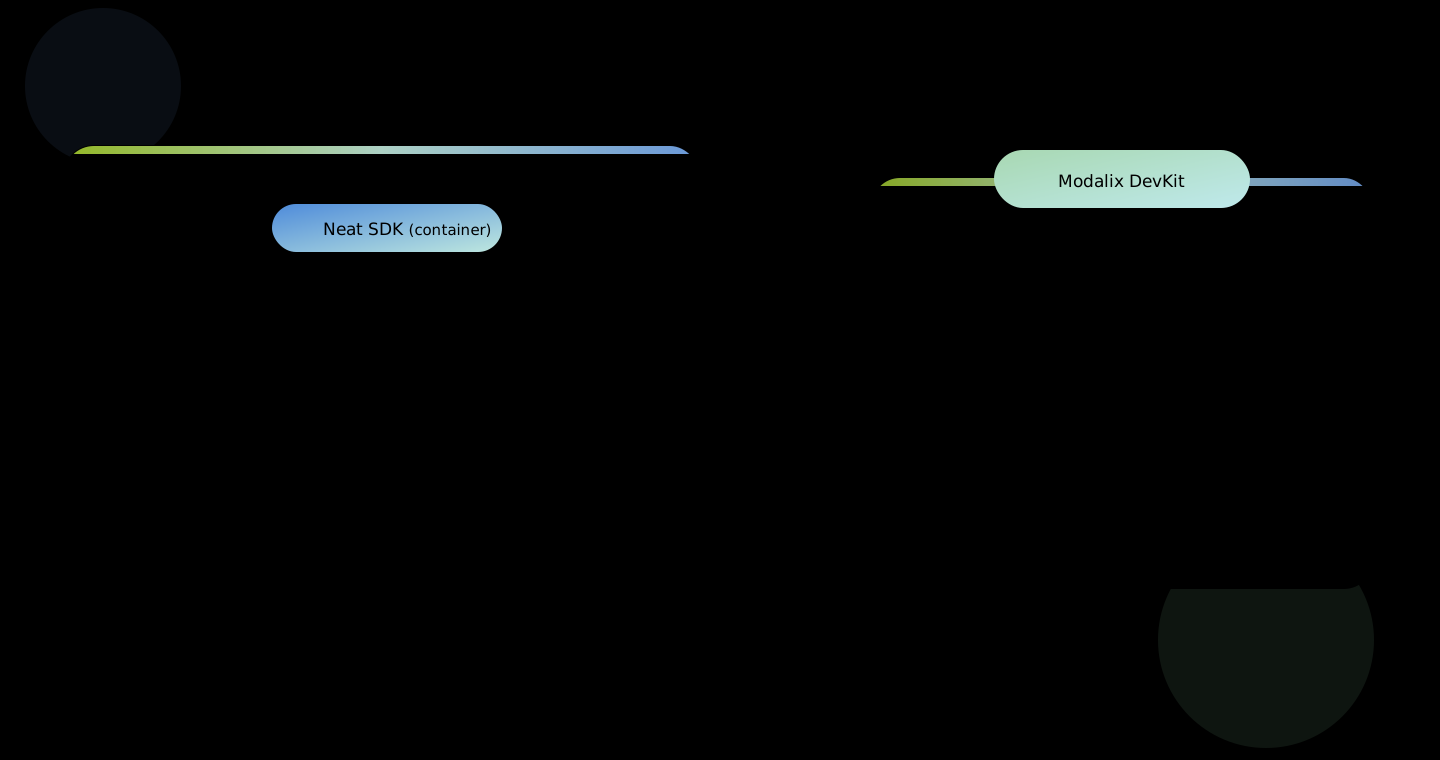
There are two supported ways to develop applications with Palette Neat:
- Use the Neat SDK when you want a more performant development environment, especially if you plan to compile models, or cross-compile large scale C++ code.
- Develop directly on the DevKit when you want fewer moving parts with the development environment, especially when you are not doing model compilation work.
If you choose the SDK path, confirm your host meets the host requirements, then install the SDK. SDK installation applies compatible defaults, so you only need the Compatibility reference when you want to pin exact versions, upgrade components independently, or troubleshoot a version mismatch.
SDK-only fast path (no DevKit): install the SDK, then go straight to Compile a Model. Configure SDK, DevKit Sync, the Neat Library, and PyNeat are optional side-trips you can skip until you pair a DevKit.
Command blocks in the setup and application guides are labelled and colour-coded with the environment they run in, so you never have to guess where to type them:
| Prompt | Run it |
|---|---|
host$ | On your own machine, outside the SDK. |
sdk$ | Inside the Neat SDK container shell. |
devkit$ | On the Modalix DevKit. |
pcie-host$ | On the host machine holding the Modalix PCIe card. |
A block labelled with more than one environment, such as sdk or devkit$, runs
the same way in either place.
Start Here
Prepare your host machine, Neat SDK, and DevKit for local development and hardware validation.
- Neat SDKUse the SDK for a high performance host-based workflow, model compilation, C++ builds, and DevKit validation.
- Neat LibraryInstall runtime and PyNeat directly when you want fewer moving parts to prototype apps on a DevKit.
- Compatibility GuideReference guide for supported version combinations.
Model Preparation
Turn trained models into deployable artifacts that run on Modalix hardware.
Build an App
Use the Neat Library to run models and compose production application pipelines.
Tools & Reference
Use supporting tools and reference material when you need more detail.